
Listen to a sample
A short film, described.
Caminandes: Llama Drama is a 90-second animated film with no dialogue. Press Play to hear it with AudioViz. Turn AudioViz off to hear the film alone.
0:00 of 1:30
Press Play to hear the first description.
Show all 23 descriptions
Caminandes: Llama Drama © Blender Foundation, caminandes.com, CC BY 3.0. Descriptions by AudioViz.
Inside the app
A closer look at AudioViz.
Paste a YouTube link or upload a video. AudioViz describes what happens on screen and speaks it in the pauses between the dialogue.
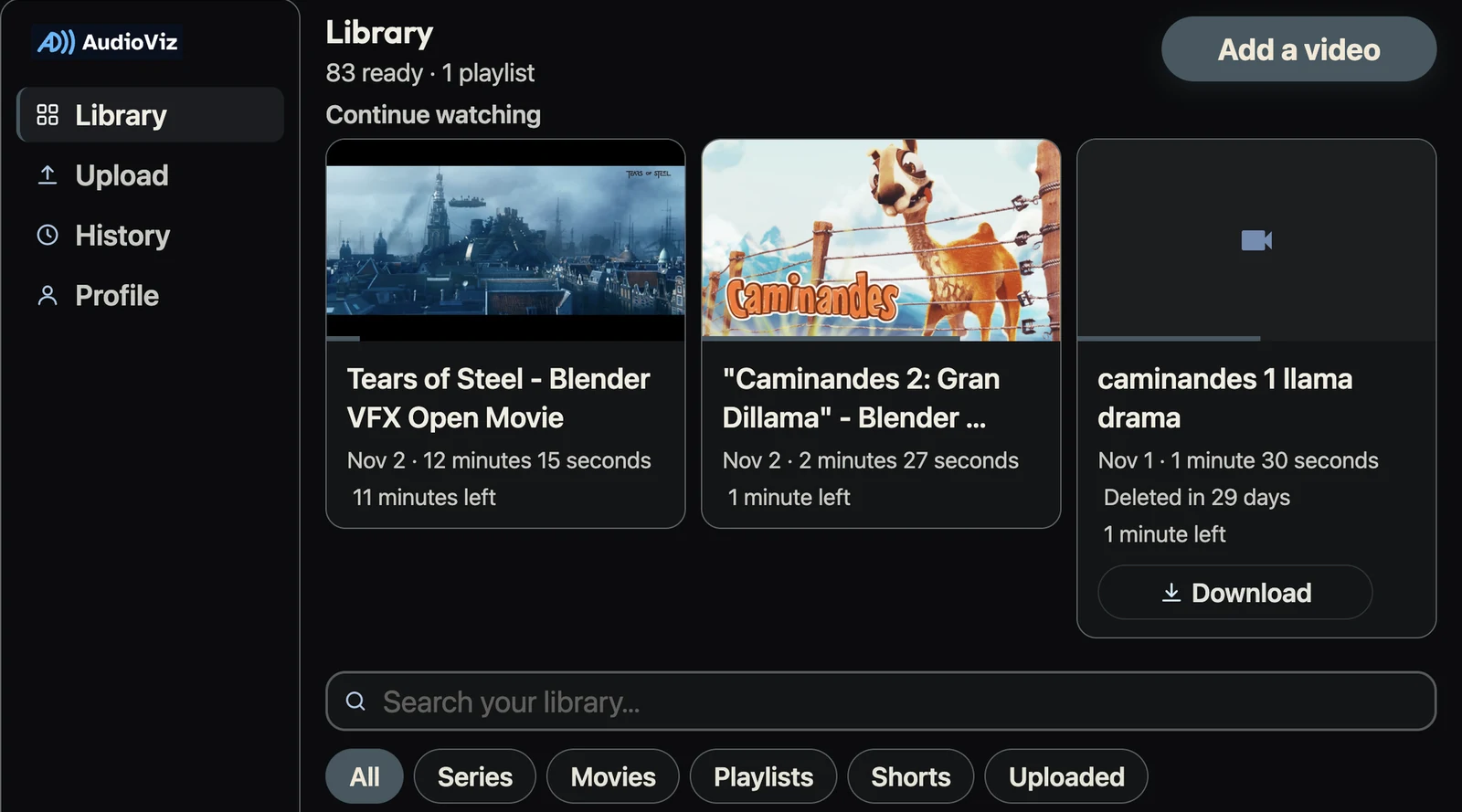
Picture description: This is AudioViz in a web browser, on its dark theme, and it's the Library, the first thing you see. Down the left side runs the menu that stays on every page: the AudioViz logo at the top, then Library, Upload, History and Profile, one under the other. Library is highlighted because you're on it. The rest of the screen is the page itself. At the top it says Library, with "83 ready · 1 playlist" underneath, and in the top right corner is a big "Add a video" button. Below that is a row called Continue watching, with three cards side by side for the films you started. Each card has a picture, a thin bar showing how far you got, the title, the date, the length and the time left. Tears of Steel, a misty city with old towers and a flying ship, has 11 minutes left. Caminandes 2, a cartoon llama leaning over a wire fence, has 1 minute left. Caminandes 1, a video you uploaded yourself, also has 1 minute left; it says your copy is kept for 29 more days, and it has a Download button. Under the cards is a wide search box, "Search your library…", and a row of filter buttons: All, which is selected, Series, Movies, Playlists, Shorts and Uploaded.
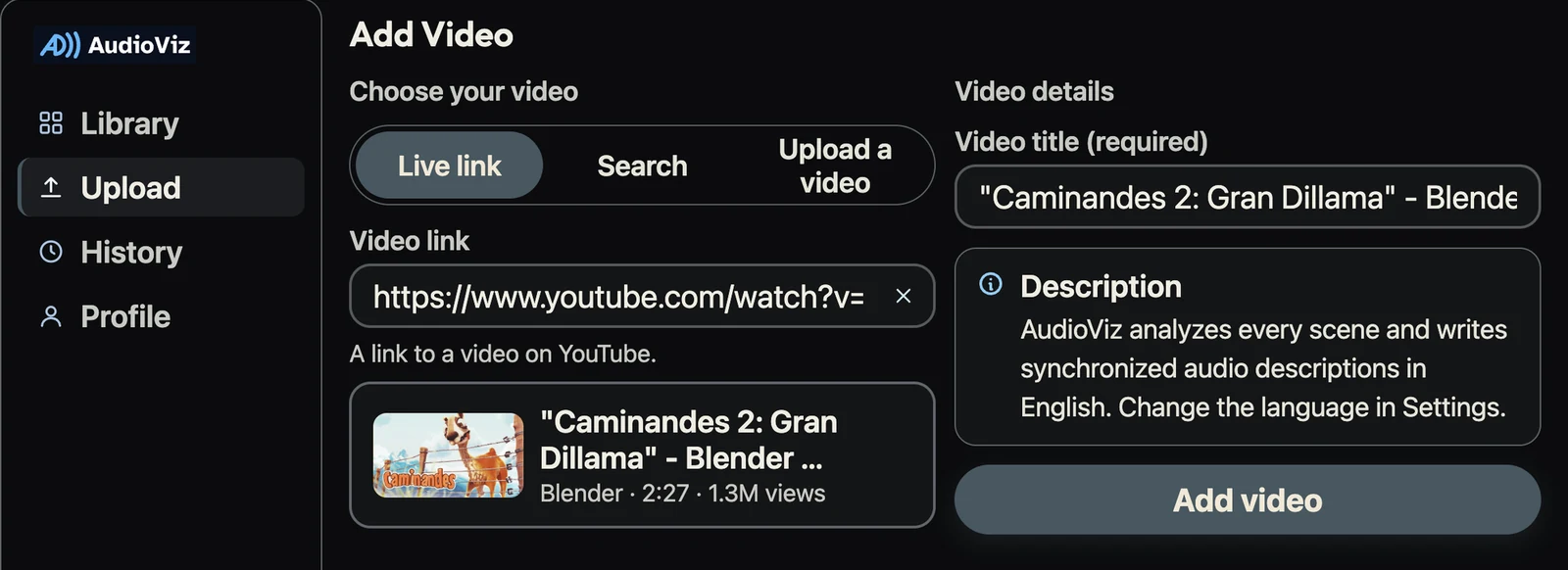
Picture description: Now Upload is highlighted in the menu, and the page is called Add Video. It's split in two. On the left, under "Choose your video", are three tabs: Live link, which is selected, Search, and Upload a video. Below them, a YouTube link has been pasted into the Video link box, with a small button to clear it and the note "A link to a video on YouTube." AudioViz has already found the video and shows it in a card: a picture of a llama by a fence, the title "Caminandes 2: Gran Dillama", Blender, 2 minutes 27 seconds and 1.3 million views. On the right, under Video details, the title has been filled in for you. A note headed Description says AudioViz will describe every scene in English and that you can change the language in Settings. Under it is a wide Add video button.
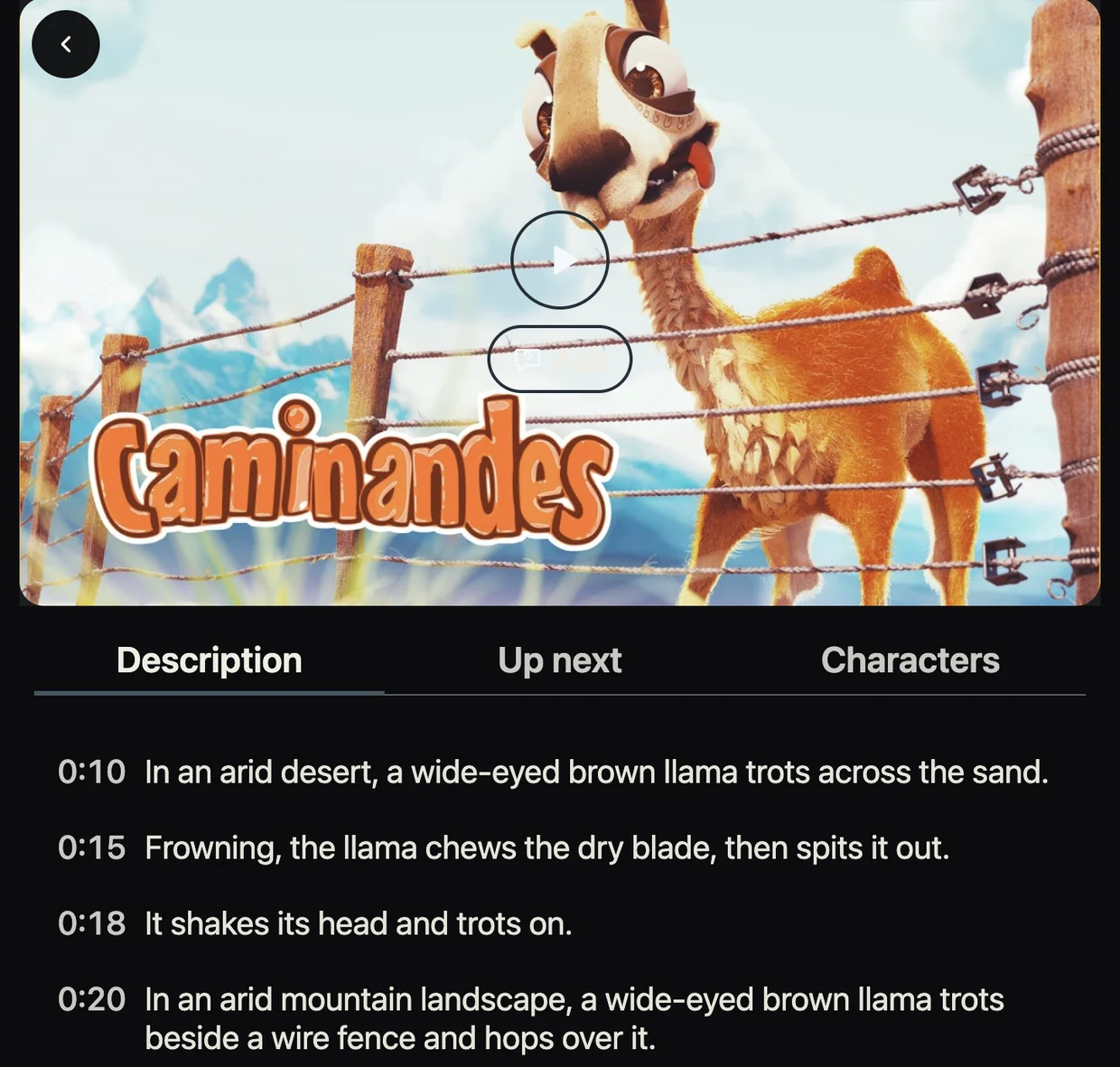
Picture description: This is the player, opened from the Library. It fills the page, with a back button in the top left corner. Caminandes 2 is paused on its title screen: a goofy, wide-eyed llama with its tongue out leans over a wire fence, under the orange word Caminandes, with snowy mountains behind. Under the video are three tabs: Description, which is open, Up next and Characters. The Description tab lists everything AudioViz will say, each line with its time. At 10 seconds: "In an arid desert, a wide-eyed brown llama trots across the sand." At 15: "Frowning, the llama chews the dry blade, then spits it out." At 18: "It shakes its head and trots on." At 20: "In an arid mountain landscape, a wide-eyed brown llama trots beside a wire fence and hops over it."
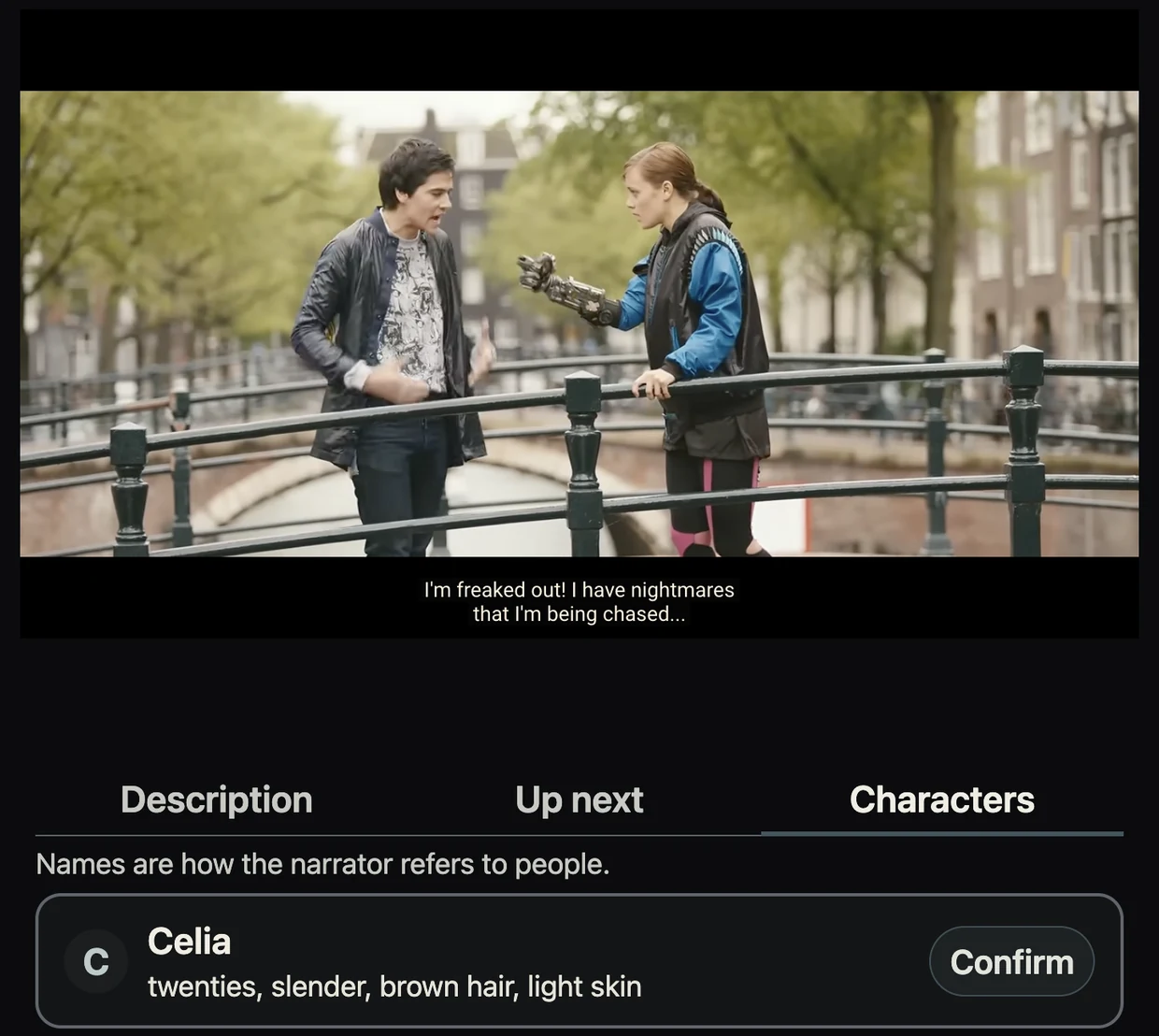
Picture description: The same player, now with a film that has people in it: Tears of Steel. The scene shows a young man and a young woman arguing on a bridge over a canal, with trees and old brick houses behind them. He has dark hair and a black leather jacket and talks with his hands; she has her brown hair in a ponytail, a blue and black jacket, and a mechanical metal hand. The subtitle reads: "I'm freaked out! I have nightmares that I'm being chased..." This time the Characters tab is open, with the note "Names are how the narrator refers to people." It lists the people AudioViz found by name in the film. The first is Celia, described as in her twenties, slender, with brown hair and light skin, with a Confirm button next to her name.
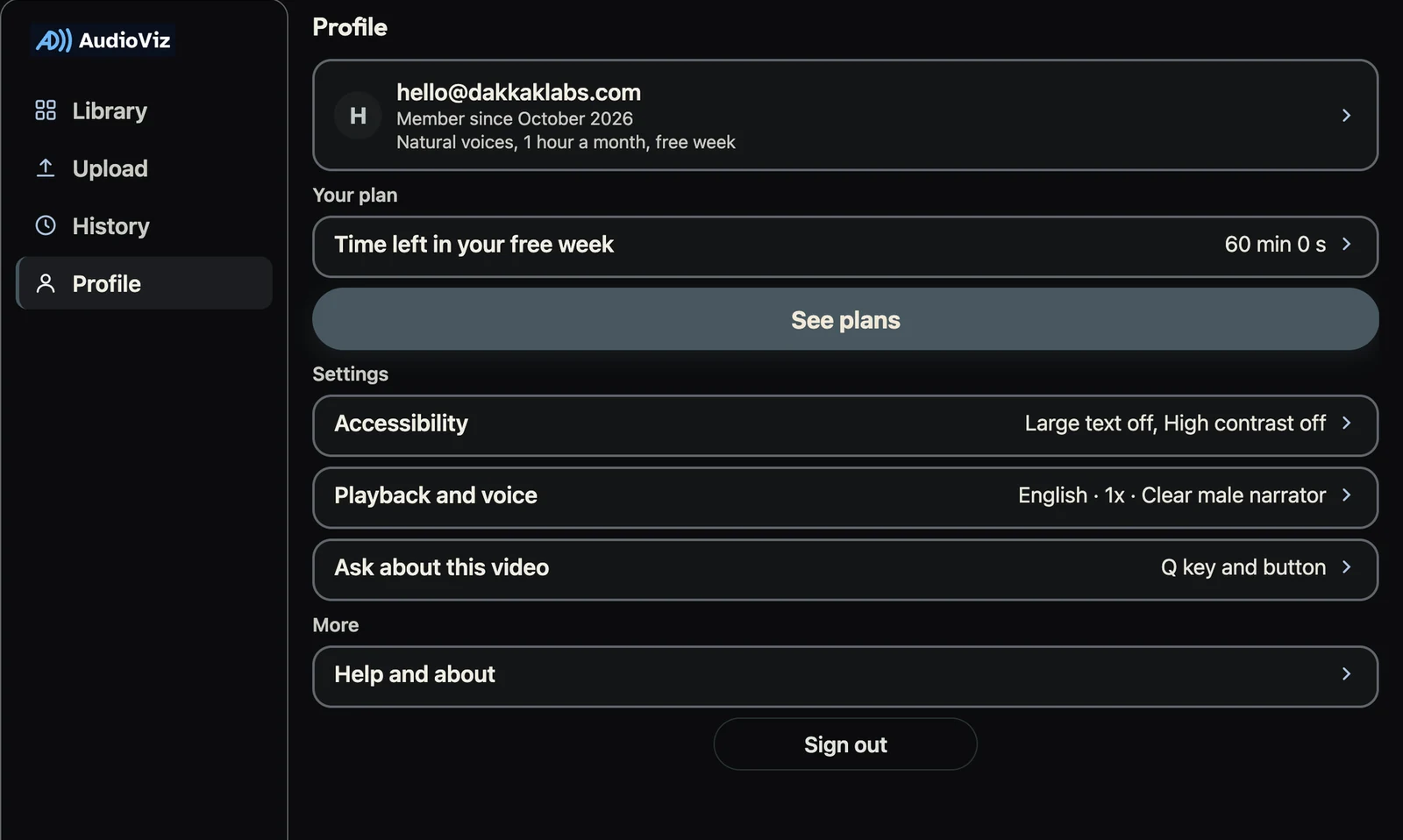
Picture description: Back in the menu, Profile is highlighted. At the top is the account card: the letter H in a circle, the email [email protected], "Member since October 2026" and the plan, natural voices with one hour a month in a free week. Under Your plan, a row shows 60 minutes 0 seconds left in the free week, with a wide See plans button below it. Under Settings are three rows, each showing what's chosen now: Accessibility, with large text and high contrast both off; Playback and voice, with English, normal speed and a clear male narrator; and Ask about this video, which starts with the Q key or a button. Under More is Help and about, and at the very bottom a Sign out button.
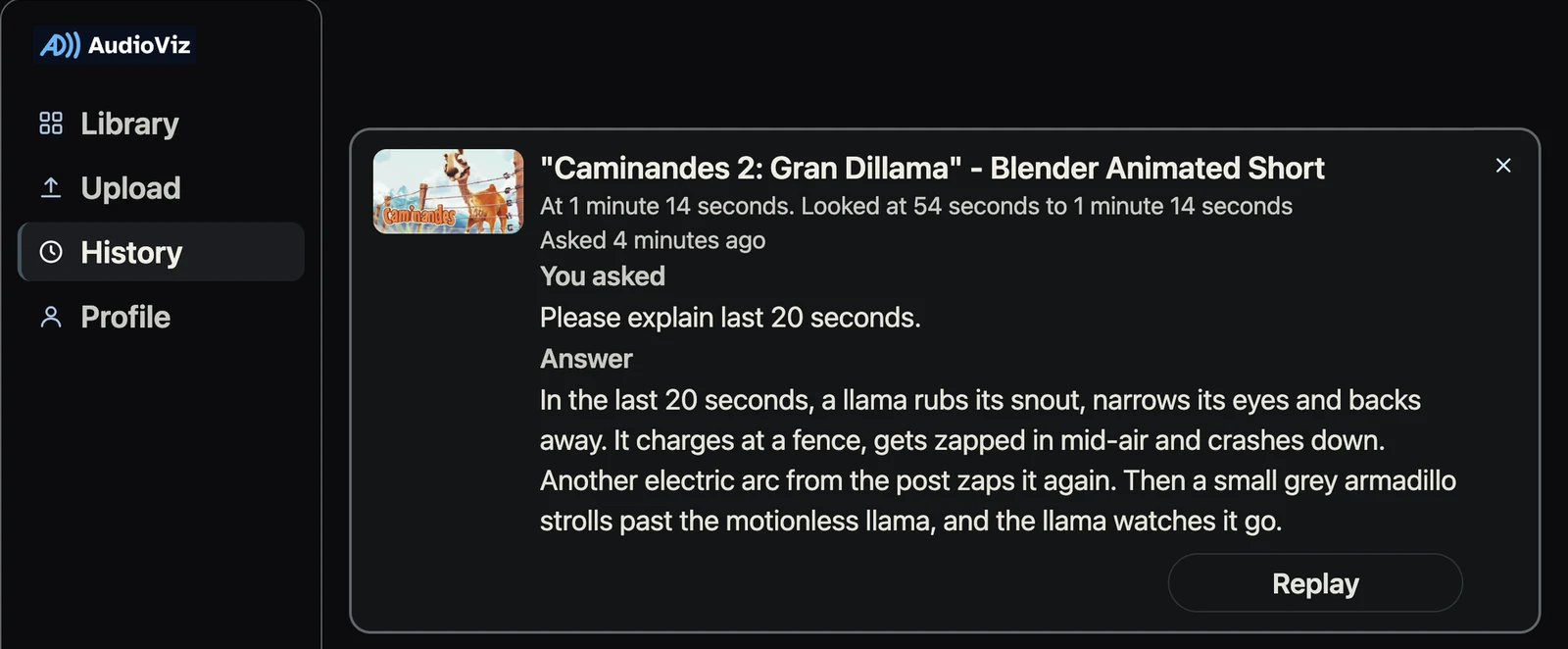
Picture description: History is highlighted in the menu, and the page shows one question you asked while watching Caminandes 2. The card has the episode's picture and title, then "At 1 minute 14 seconds. Looked at 54 seconds to 1 minute 14 seconds. Asked 4 minutes ago." Under You asked is your question: "Please explain last 20 seconds." Under Answer is what AudioViz said: "In the last 20 seconds, a llama rubs its snout, narrows its eyes and backs away. It charges at a fence, gets zapped in mid-air and crashes down. Another electric arc from the post zaps it again. Then a small grey armadillo strolls past the motionless llama, and the llama watches it go." A Replay button plays the answer again, and a small cross in the top right corner deletes it.
Explore the full AudioViz website.